
The quick answer
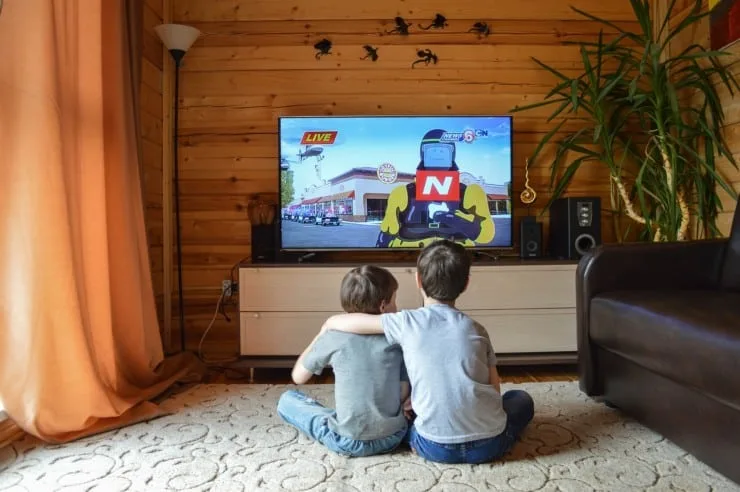
Secure the TV first, because a toppling set is the serious danger: wall-mount it on studs or anchor it. Then cut down what can hit it: mount it high, keep remotes, controllers and balls out of the room, or put a vented hard-plastic guard over the screen. No warranty I found pays for a screen a child cracked, so prevention is the only protection.
A cracked screen costs you a TV. A tipped-over TV can cost a child's life. The two problems share a fix, so it makes sense to deal with them together.
Below is what the safety data says, how the guard options compare, and what to change in the room.
Tip-overs come first
The Consumer Product Safety Commission counted 581 deaths from furniture, TV and appliance tip-overs since 2000. Of those, 472 were children aged 17 or younger, and a television was involved in 71 percent of the child deaths. CPSC also estimated about 22,500 emergency department visits a year for tip-over injuries (2018 to 2020 average), and nearly 44 percent of the injured were under 18.
CPSC's advice is to anchor TVs to the wall, place them only on furniture made to hold a TV, and mount flat-screen sets to the wall or furniture. If you can't anchor, put the TV on a sturdy, low base and push it back as far as it goes. It also says to keep TV and cable cords out of reach, and that adult supervision still matters even when a set is anchored.
Mount it on the wall
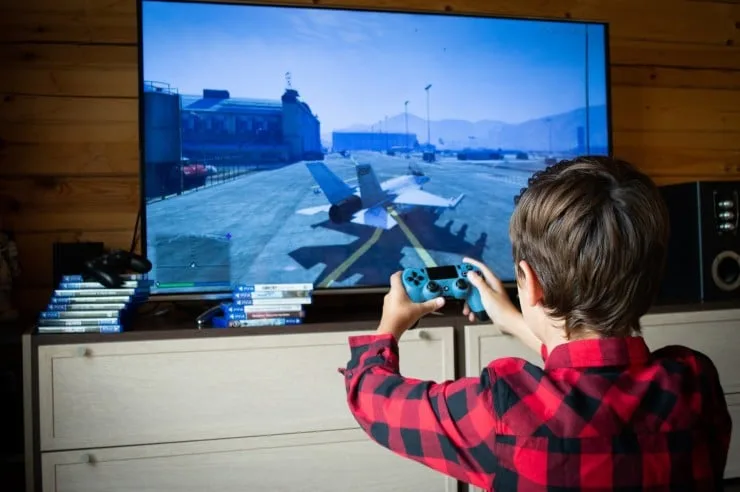
A wall mount fixes both problems at once. The TV can't be pulled over, and a set mounted well above a child's reach is harder to hit with a thrown toy. How high is up to you, since a bedroom or playroom has different sight lines (see how high to mount a TV in the bedroom). Higher is safer from small hands, but it costs neck comfort for adults.
Samsung's mounting guide says the mount should attach to a stud, and that drywall anchors are only an option once you've confirmed the wall can carry the weight. It also says not to mount the TV by yourself. Use the mount's stated weight rating and your TV's manual for the mounting pattern and screws.
Cords need a plan too. Samsung recommends in-wall rated cables with a kit made for the purpose, instead of leaving them hanging where a child can grab them.
Hard guards over the screen
A guard is a clear shield in a frame that sits in front of the screen. Commercial versions exist. One example I could check against the maker's own page is American Time's 55-inch TV Guard Kit, SKU G56349. It lists a polycarbonate lens, a steel frame, and ventilated top and bottom rails, at 56 by 34 by 9 inches. It ships unassembled, doesn't include wall hardware, and is built for screens up to 55 inches on a slim wall mount.
The page gives no impact rating and no lens thickness. I found no independent lab tests of guards in general, so I can't tell you how much force one stops. Treat claims like "kid proof" with caution until a maker publishes a test.
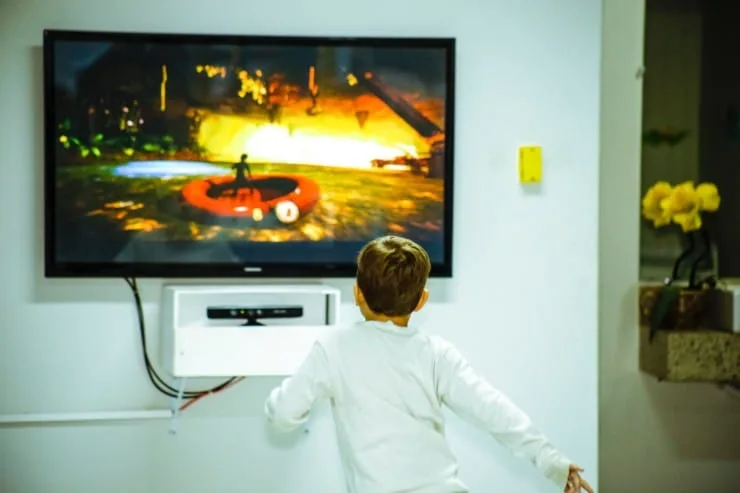
Before you buy any cover, check these:
- Does it leave room for air at the top and bottom of the TV?
- Is the stated depth compatible with your wall mount?
- Can you reach the power button, remote sensor and ports?
- Does the maker state the TV sizes it fits?
A guard also adds a reflective surface. That's my judgment from how clear plastic behaves, not a measured figure, so look at one in a lit room if you can.
Change the room
Most screen damage comes from something thrown. A remote or game controller is the usual missile, and CPSC says to keep remotes and toys off the furniture a child might climb.
- Store controllers and remotes in a drawer or a basket out of reach when you're not using them.
- Keep balls and hard toys in a different room from the TV.
- Turn the seating so the room's play area isn't in line with the screen.
- Set a rule early that nobody touches the screen.
What the warranty won't cover
Samsung's support page says a cracked screen may not be covered under the standard warranty, and that its policy excludes damage from external factors such as drops, impacts or improper handling. It points owners to accidental damage protection plans or extended warranties instead. Read your own warranty, because wording differs by maker and region.
Insurance is a maybe. The Triple-I renters guide describes cover in terms of listed perils like fire, theft and certain water damage, and doesn't address accidental breakage. Ask your insurer before you rely on it, and compare any deductible with the price of the TV.
If a screen has already cracked, read can you fix a cracked TV screen before you touch it.
Frequently Asked Questions
What is the safest way to keep kids from breaking a TV?
Mount it to the wall on studs, keep it out of reach, and keep throwable items away from it. CPSC also says to anchor any TV that sits on furniture. A guard adds a layer if the room is a play space.
Does a TV warranty cover a screen a child cracked?
Usually not. Samsung says its warranty excludes damage from external factors such as drops, impacts or improper handling. An accidental damage plan is the usual route, and you'd need to buy it before the damage.
Do TV screen guards work?
They add a physical barrier, and some are built with ventilated rails for airflow. The one maker page I checked gave no impact rating, and I found no independent tests. Ask any seller for a published test before you rely on one.
Is it safe to keep a TV on a dresser with kids around?
CPSC says to place TVs only on furniture made to hold one. A dresser is a tip-over risk. If you must use one, anchor the TV and the furniture, push the set back, and keep remotes and toys off the top.
Sources
- CPSC: Injury and fatality report on TV and furniture tip-overs (2022) (581 deaths, 472 children, 71 percent TVs, injury estimates, recommendations)
- CPSC: Anchor It! (anchor TVs, wall-mount flat screens, furniture made for TVs)
- CPSC: Anchor It! campaign marks 10 years (low base, push back, keep cords and remotes away from children)
- Samsung: Things to consider before mounting your TV to a wall (studs, getting help, in-wall rated cables)
- Samsung: What to do when the TV shows physical damage (warranty exclusion for external factors, accidental damage plans)
- American Time: 55 Inch TV Guard Kit (G56349) (polycarbonate lens, steel frame, ventilated rails, dimensions, no impact rating stated)
- Triple-I: Your renters insurance guide (perils-based cover, deductibles)
The Samsung page is the Samsung UAE support site, and its US warranty text wasn't available to me, so check your own warranty. Statements about guard glare and room layout are my judgment.